

Moving a home office coast-to-coast can feel like a monumental task, especially when you consider the critical importance of safeguarding your IT assets. Did you know that nearly 60% of small businesses experience data loss during a move? This article is designed for remote workers and small business owners facing the daunting challenge of relocating their technology while ensuring data protection. We will navigate the essential steps of defining IT data-protection goals, creating a detailed inventory of your equipment, and securing backups through cloud storage or external drives. You’ll learn how to meticulously label and photograph your setup, protect fragile items, and ensure connectivity before the move. By choosing movers experienced in tech relocation, you can also guarantee climate control and insurance for your valuable assets. Once you arrive, reconnecting and securing your data will be your final challenge. Let’s dive into these key steps to ensure a smooth and secure transition for your home office.
Define IT Data-Protection Goals for the Move
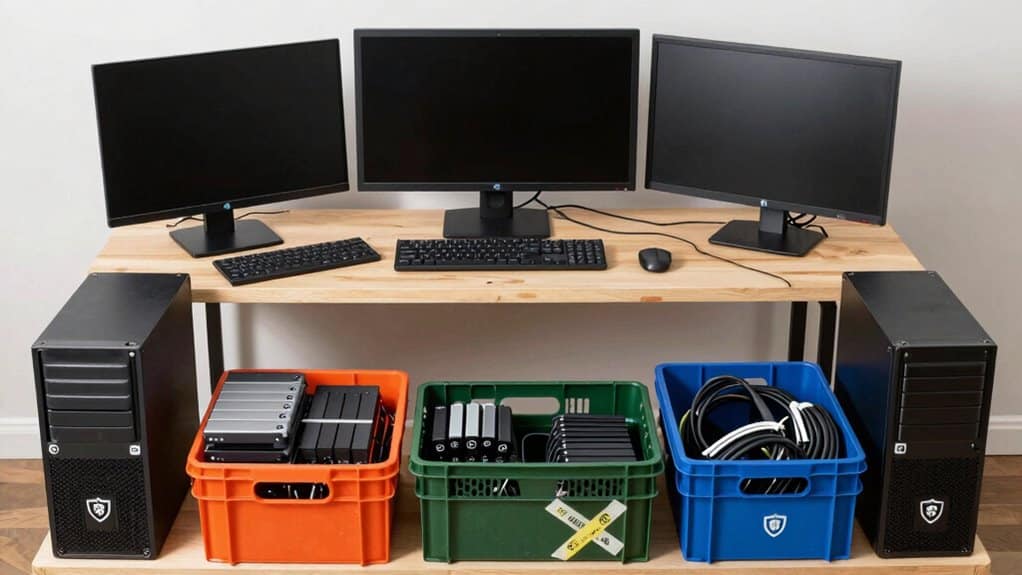
How can you ensure IT data-protection during a move?
To safeguard your data throughout the relocation process, establish clear IT data-protection objectives. Start by ensuring that all sensitive information is securely backed up to cloud storage and external drives, which is crucial for preventing data loss.
Additionally, implement encryption measures for data in transit to protect against unauthorized access and breaches.
- Create an inventory of all data storage devices, including their serial numbers, to aid in tracking.
- Schedule data integrity checks before and after the move to verify that files remain accessible and uncorrupted.
- Collaborate with your IT team to devise a comprehensive data recovery plan ready for immediate activation in case of data loss.
By taking these steps, you can confidently proceed with your move.
For further insights on data recovery strategies, see our guide on effective data management practices.
Create a Precise Inventory Of All IT Equipment
To ensure a smooth transition during the move, it's essential to compile a detailed inventory of all IT equipment, including specifics like brand names and serial numbers.
Have you considered how documenting each workstation setup can further streamline your process? This careful cataloging not only keeps everything organized but also helps in tracking essential peripherals.
Inventory Details And IDs
Creating a precise inventory of IT equipment begins with cataloging each item, including computers, monitors, printers, and accessories.
Ensure you record essential details such as brand, model, serial numbers, and current location for streamlined tracking. This organized approach simplifies the moving process and helps identify where each item fits within your organization.
- Document each computer and monitor along with its accessories and backup data plans.
- Label packing materials by owner and content to facilitate easy unpacking.
- Keep a separate file that lists labeled boxes and their contents for quick access.
By following these steps, you’ll enhance your inventory management.
For context, cross-country movers can assist with logistics and packing services to support long-distance IT relocations.
Serial Numbers And Photos
To ensure a seamless relocation of your IT equipment, start by cataloging every item, including computers, monitors, and peripherals. Record brand names and serial numbers to prevent mix-ups during unpacking. This detailed inventory, combined with high-resolution photos of each workstation setup—including cable arrangements—can significantly streamline the reconnection process. Take clear photos of each workstation and its cables. Use protective packing materials for fragile items. Maintain a simple spreadsheet to track all equipment. After preparing your inventory, consider the next steps for a smooth transition. Professional movers can handle logistics and ensure items are moved safely, which is especially helpful for long-distance moves. For more detailed guidance, check out our guide on effective packing strategies for IT equipment.
Cable And Accessory Mapping
Creating a precise map of your IT cables and accessories is crucial for a seamless move. Begin by compiling a comprehensive inventory that includes brands and serial numbers for each item—this ensures accountability throughout the relocation process.
Capturing photographs of every workstation setup not only aids in quick reconnection but also minimizes setup time significantly.
- Use color-coded labels for different cable types to streamline unpacking.
- Document how each device connects to prevent potential cable damage.
- Keep backups of essential data and label removable drives separately for safe transport.
By implementing these strategies, you can mitigate connectivity issues and ensure a hassle-free setup in your new location. A cross-country move can be planned more efficiently when you have a detailed IT equipment map and a clear recovery plan. For additional tips, see our guide on effective office relocation planning.
Back Up Data Before Moving Any Gear
How can you effectively back up data before moving?
Before relocating any equipment, it's crucial to safeguard your essential files to avoid data loss. To ensure a smooth transition, utilize reliable cloud storage solutions or external hard drives for your backups.
Implement a double backup strategy by storing copies in at least two different locations or formats, enhancing redundancy.
- Organize your backed-up data with clear labels on folders and files.
- Regularly test your backups to confirm accessibility and restore capabilities.
- Encrypt sensitive files before backing them up for added security.
Plan Power, Disconnection, And Cable Labeling
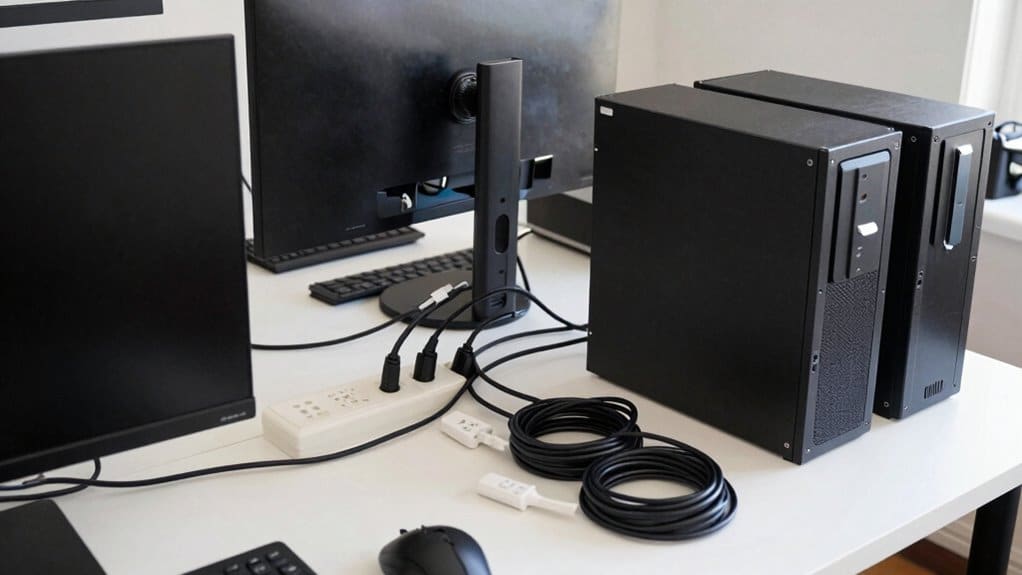
To facilitate a seamless transition when relocating devices, it’s crucial to devise a structured plan that addresses power requirements.
To facilitate a seamless transition, devise a structured plan addressing power requirements.
Begin by assessing the number of outlets needed and any backup options at the new location. It's essential to confirm the total load of devices to avoid tripped breakers.
Before disconnecting, ensure all devices are powered down and unplugged to mitigate risks of data loss or equipment damage.
- Create a visual guide for reassembly.
- Use color-coded labels on cables for easy identification.
- Document the disconnection process with photos for reference.
This organized approach not only minimizes stress but also safeguards data integrity.
Plan and Preparation for more tips on effective relocation strategies, check out our guide on optimizing workspace transitions.
Pack Tech Gear With Proper Materials And Protection
To ensure your tech gear arrives safely, start by using protective materials like bubble wrap and anti-static foam.
Wrap monitors and sensitive components thoroughly to prevent damage during transit. For hard drives, secure them in specialized anti-static bags and cushion with bubble wrap to mitigate physical shock and safeguard data integrity.
- Label boxes clearly with contents and FRAGILE notices.
- Select sturdy, appropriately sized boxes to prevent shifting.
- Use original packaging when possible, adding extra cushioning for enhanced protection.
Following these steps will help safeguard your equipment. Professional movers can provide valuable advice on packing materials and handling electronics to further reduce risk during long-distance moves. For more detailed packing strategies, see our guide on packing fragile items effectively.
Choose Movers With Tech-Relocation Experience
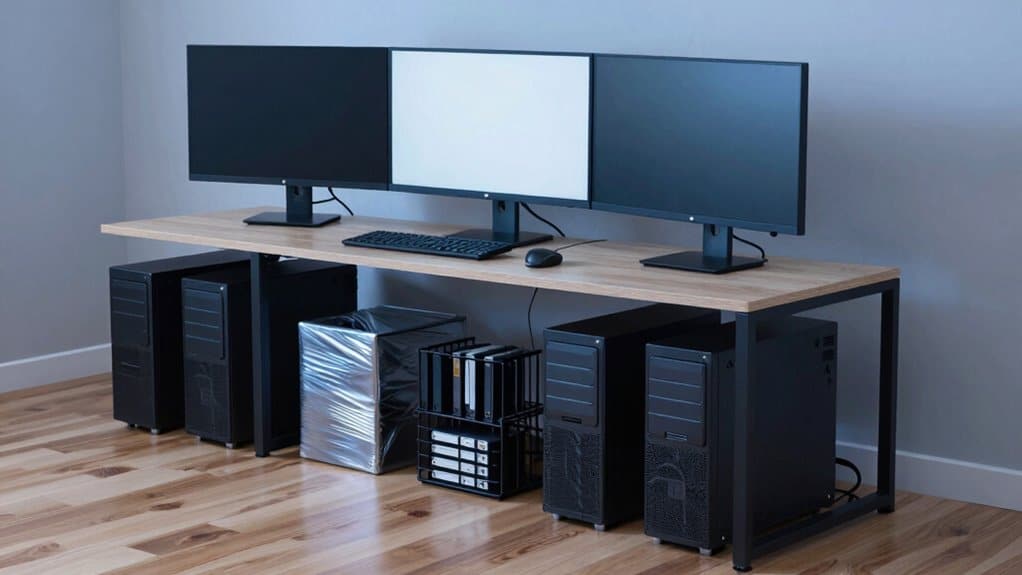
How can you ensure safe transportation of tech equipment during a move?
When relocating tech gear, it's crucial to select movers with specialized experience in electronics. These professionals understand how to protect sensitive devices, ensuring minimal risk during transit.
Look for companies that provide adequate packing materials and have a proven track record in tech relocation.
To enhance the safety of your electronics, consider the following:
- Verify that the movers offer climate-controlled transport options for delicate devices.
- Ensure they include insurance coverage for electronic equipment in case of damage.
- Check if they provide comprehensive services, including disassembly and reassembly of IT equipment.
For further insights into minimizing downtime during your move, see our guide on efficient tech relocation strategies.
Reconnect, Test, And Secure The New Office
After ensuring a seamless power-up by reconnecting cables according to the established layout, you might wonder how to effectively test each piece of equipment for optimal performance.
This step is crucial in ensuring your new office setup is fully operational. What methods can you use to verify that monitors, PCs, and drives are functioning perfectly?
Reconnect Cables Correctly
How can you effectively reconnect cables after a move?
To successfully reconnect cables, start by referencing pre-move photographs of your workstation. These images serve as a valuable guide to ensure components are plugged into the correct ports.
Labeling boxes containing cables and peripherals can significantly reduce confusion during the setup process.
- Match cables with their labeled boxes
- Secure and route cords neatly to prevent tangling
- Test each device individually to confirm functionality
By following these steps, you can maintain an organized workspace and minimize operational disruptions.
For further guidance on efficient office setups, check out our comprehensive guide on cable management.
Test Equipment Thoroughly
How can you ensure your test equipment is functioning correctly after a move?
To verify that your test equipment works properly after relocating, start by reconnecting each device as per your pre-documented layout. Conduct thorough checks on monitors, PCs, and hard drives to ensure they power up and respond as expected.
It’s also crucial to confirm that software and data have been successfully restored from backups without errors.
- Inspect internet and phone line connectivity for seamless access.
- Organize cables to minimize hazards and maintain a tidy workspace.
- Ensure secure handling of data, protecting backups, passwords, and sensitive information.
This systematic approach sets the foundation for a professional and efficient workspace.
For additional tips on managing your tech setup, see our guide on effective workspace organization.
Secure New Office Setup
How can you ensure a secure office setup during relocation?
To achieve a seamless transition to your new office, start by meticulously reconnecting every labeled cable to the corresponding device as outlined in your pre-move plan.
Inspect each piece of equipment for any signs of damage before powering on, ensuring that everything is functional. After restoring data from backups, use cloud services or external drives to minimize downtime.
Test all devices, including PCs and monitors, to address any issues promptly and maintain workflow continuity.
- Verify cable labels and device ports for accuracy.
- Install firewalls and antivirus software on the new office network.
- Coordinate with professional movers to prevent potential damage.
With your equipment operational, it's time to focus on implementing robust security measures to protect sensitive data.
For further insights, see our guide on effective office security strategies.
FAQ
Q: What's the best way to pack computer monitors for moving?
A: To pack computer monitors, remove stands, wrap screens in bubble wrap, and cushion them with protective materials before placing them upright in boxes.
Q: Should I remove the stand when packing a computer monitor?
A: Yes, removing the stand helps save space and protects the monitor during transit, ensuring a safe move.
Q: How do I protect the screen of my computer monitor while moving?
A: Wrap the screen in bubble wrap and use additional cushioning materials to safeguard it from impacts during transport.
Q: What should I do with the cables when packing a computer monitor?
A: Manage the cables to prevent tangling, and keep them organized for easier setup after unpacking.
Q: How should I label the boxes for computer monitors?
A: Clearly label the boxes with "Fragile" and indicate which monitor is inside, ensuring careful handling during the move.
Q: Can I lay computer monitors flat in the box?
A: No, always pack computer monitors upright in the box to avoid damaging the screen and ensure safe transport.
Wrapping It Up
Moving a home office coast-to-coast requires meticulous planning to ensure the safety of your devices and the integrity of your data. By implementing the strategies outlined in this article, you’ll not only streamline the relocation process but also safeguard your essential equipment against potential risks. This proactive approach minimizes downtime and enhances productivity, ensuring a smooth transition. As you prepare for your move, consider exploring more tips on efficient office relocations or read a related guide to bolster your knowledge. Taking these steps will help you achieve a seamless home office setup in your new location.


